
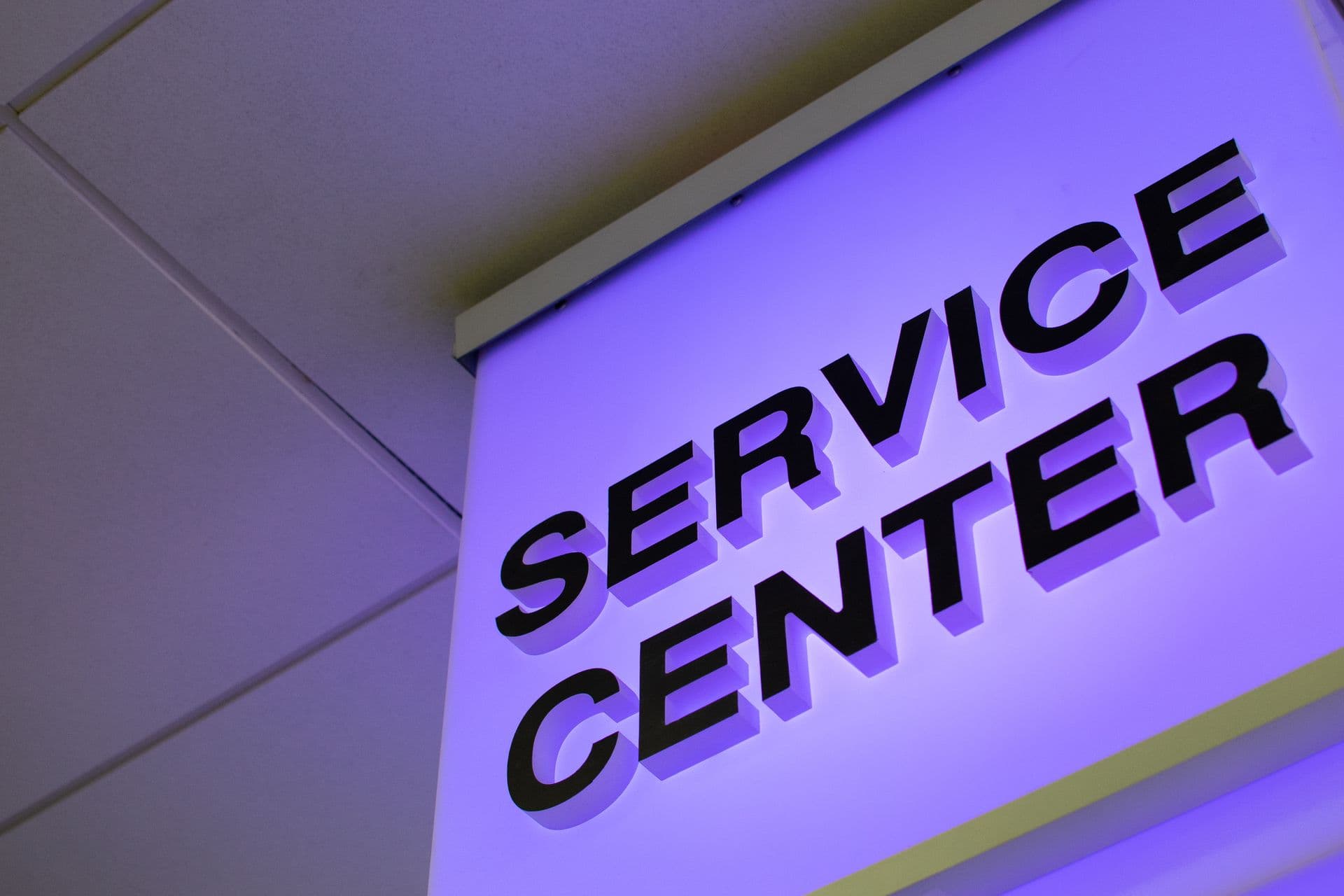
Commercial · Construction · Fitout · Development
Commercial signage. Tendered, coordinated and delivered.
QR Pack It manages signage packages for commercial, construction, fitout and development projects, reviewing scope, coordinating requirements and delivering through to handover.
Signage range
Signage Solutions
Commercial signage supplied individually or coordinated as a complete project package.
Accessible and statutory signage for compliance requirements.
Example products
- Amenities
- Accessible facilities
- Room identification
- Lifts and stairs
- Directional signage
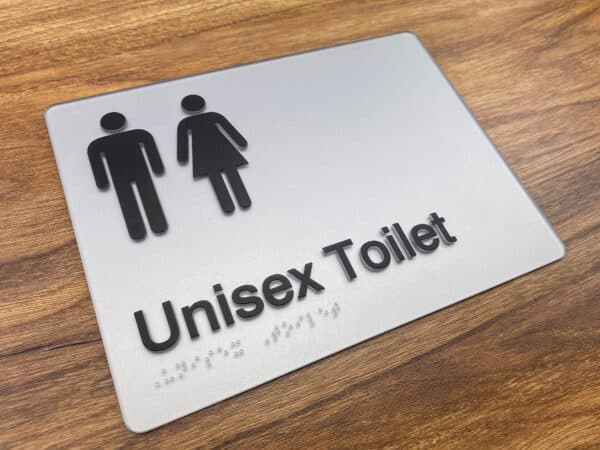
Representative signage capability
Architectural room and door signage against your drawings.
Example products
- Office suites
- Meeting rooms
- Healthcare facilities
- Education facilities
- Staff and amenity areas
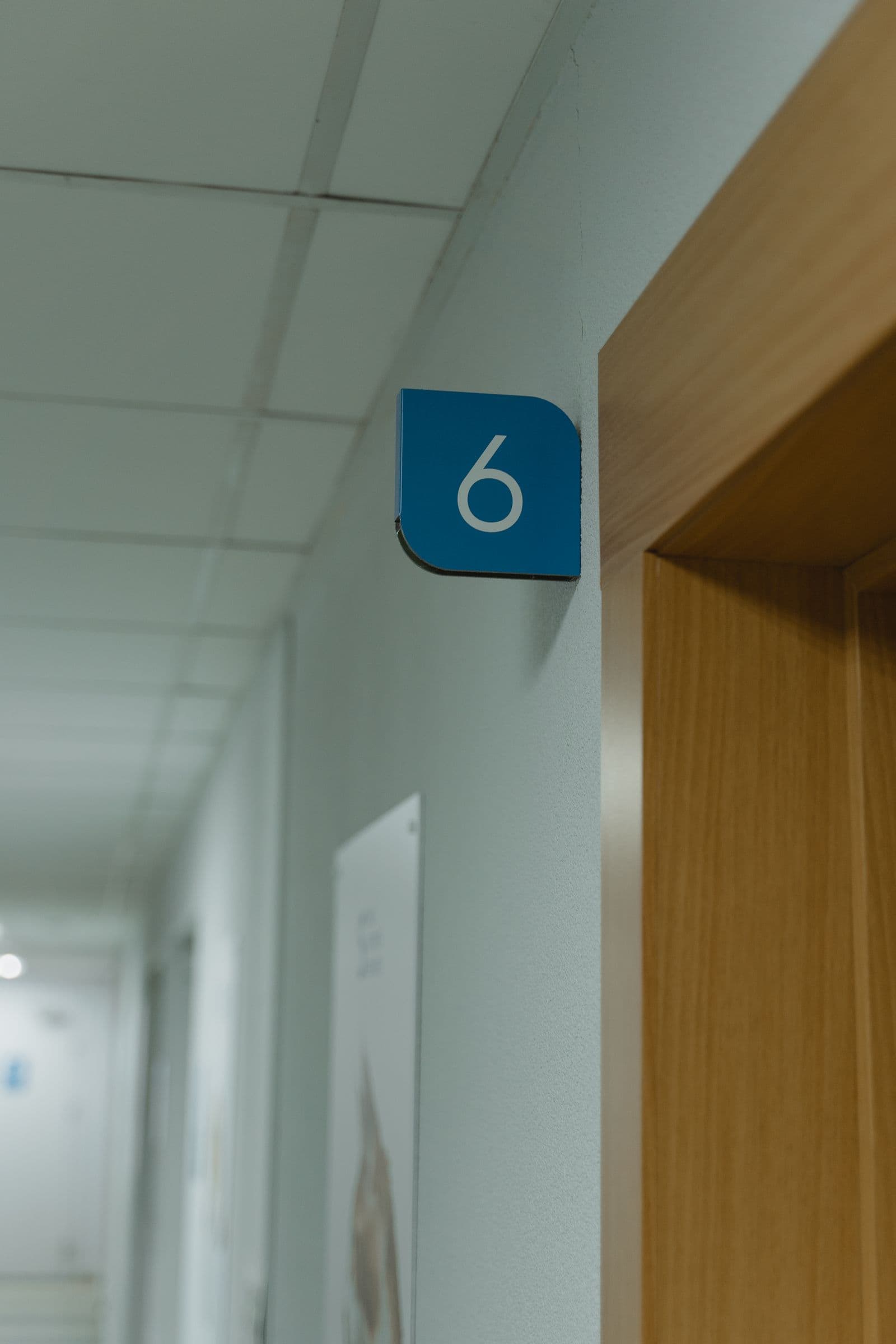
Representative signage capability
Directional signage guiding occupants through the building.
Example products
- Corridors and hallways
- Multi-level buildings
- Healthcare facilities
- Office fitouts
- Car parks
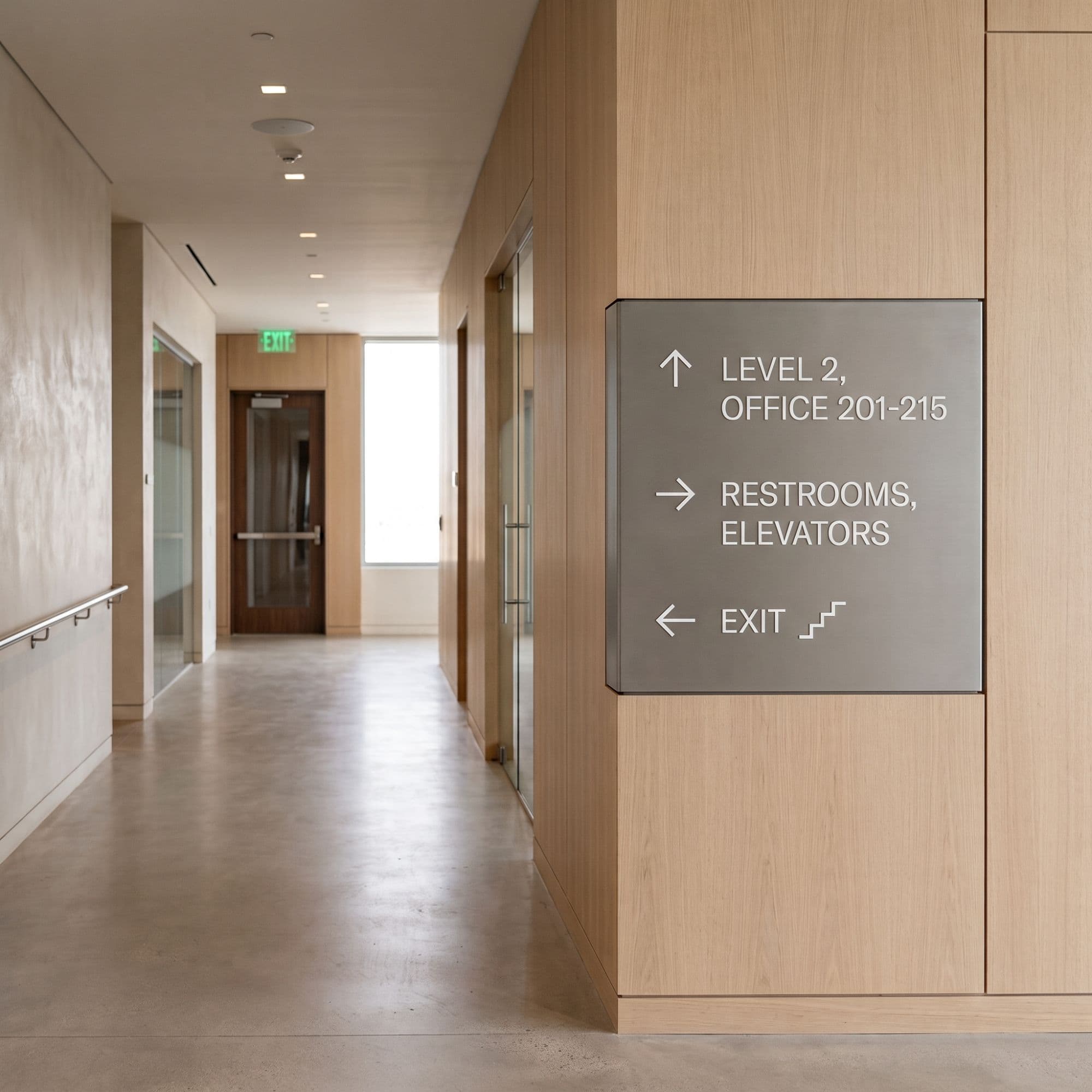
Representative signage capability
Directories and maps to help visitors navigate from arrival.
Example products
- Building lobbies
- Multi-tenant buildings
- Business parks
- Healthcare campuses
- Education campuses
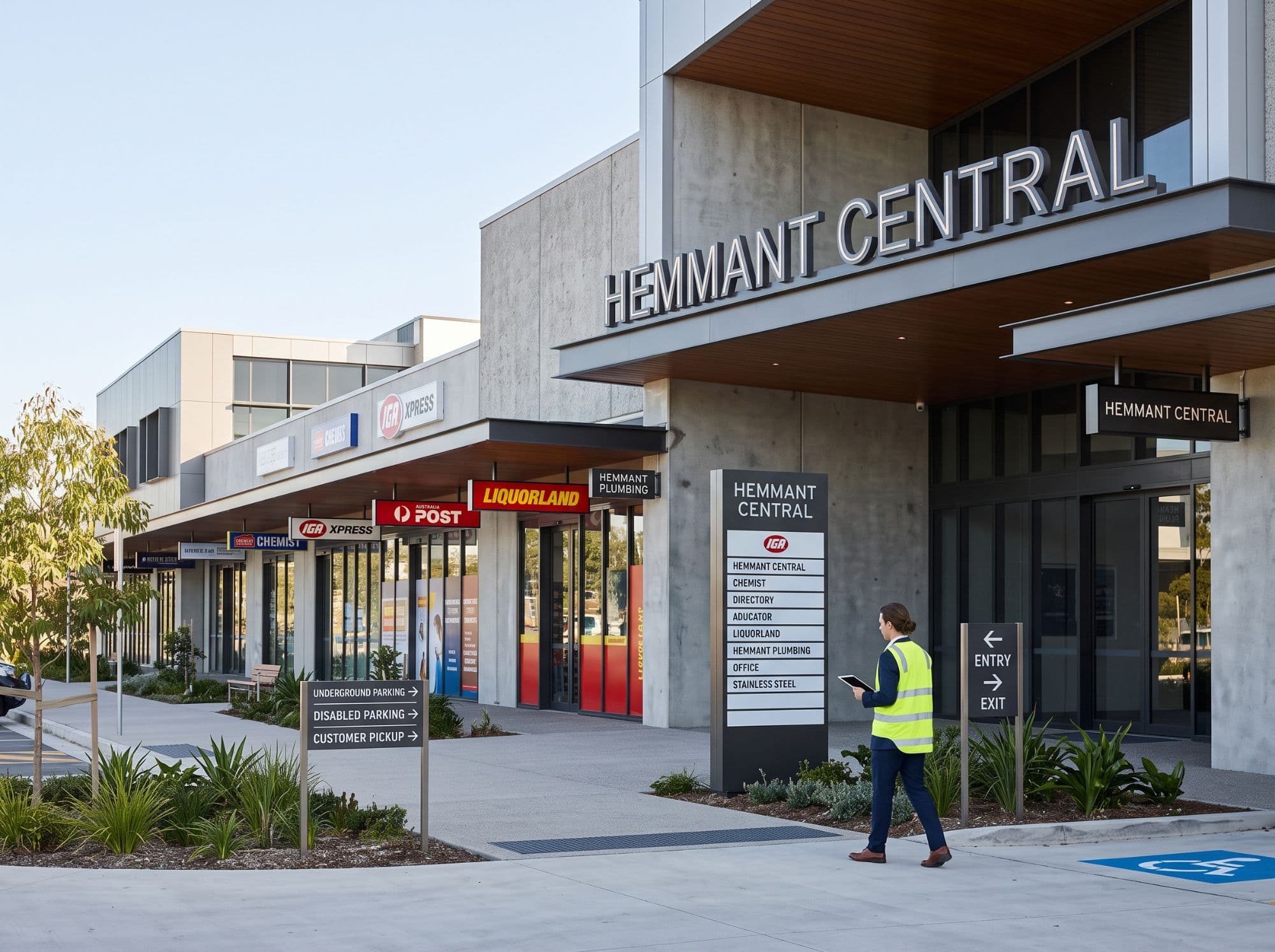
Representative signage capability
Dimensional lettering for a strong entrance first impression.
Example products
- Reception areas
- Corporate lobbies
- Tenancy fitouts
- Showrooms
- Foyer entrances
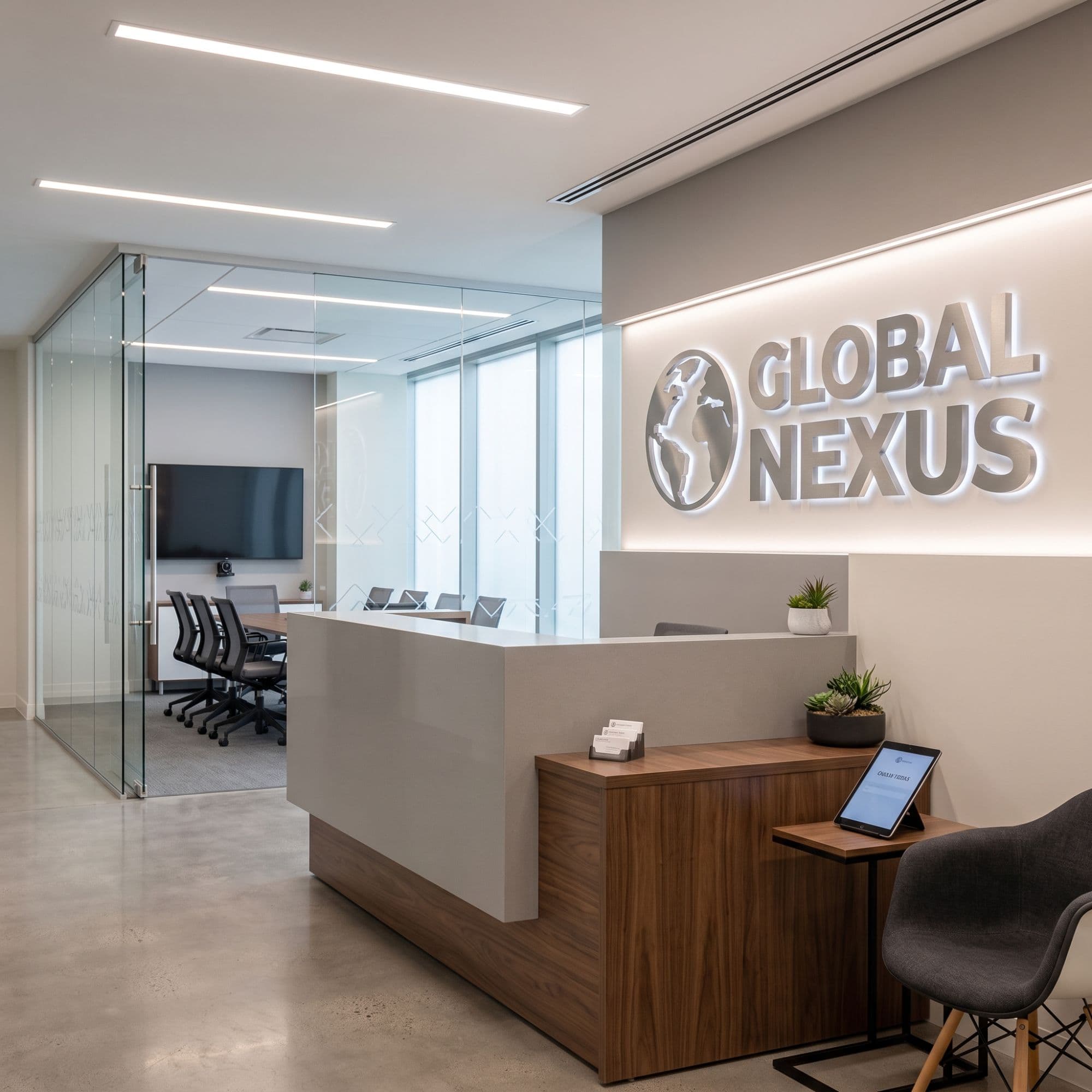
Representative signage capability
Building identification for façades and entrances.
Example products
- Building façades
- Commercial entrances
- Multi-tenant developments
- Corporate headquarters
- Retail frontages
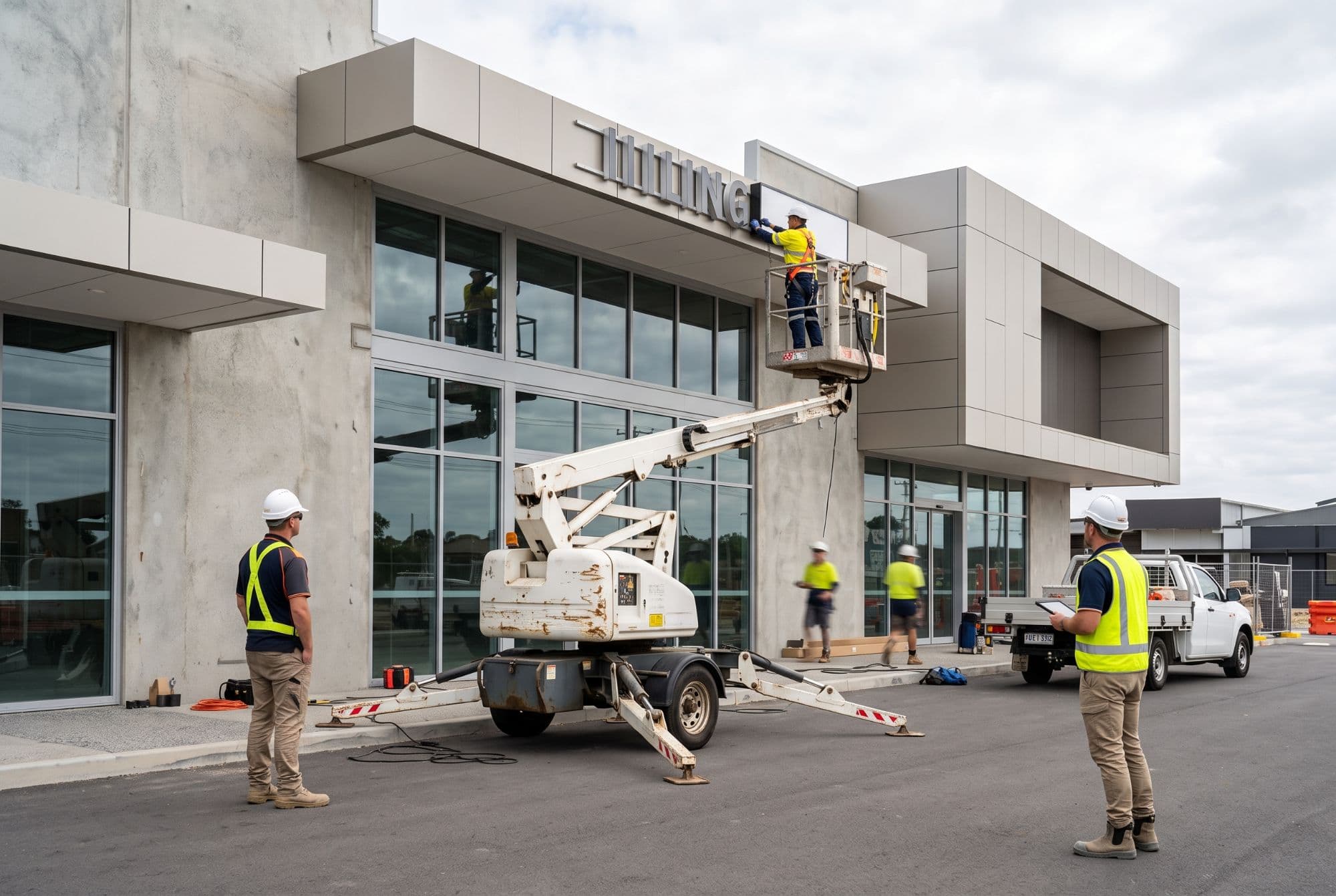
Representative signage capability
Regulatory and safety signage to meet statutory requirements.
Example products
- Fire and emergency egress
- Construction sites
- Car parks
- Plant and equipment areas
- Public and common areas
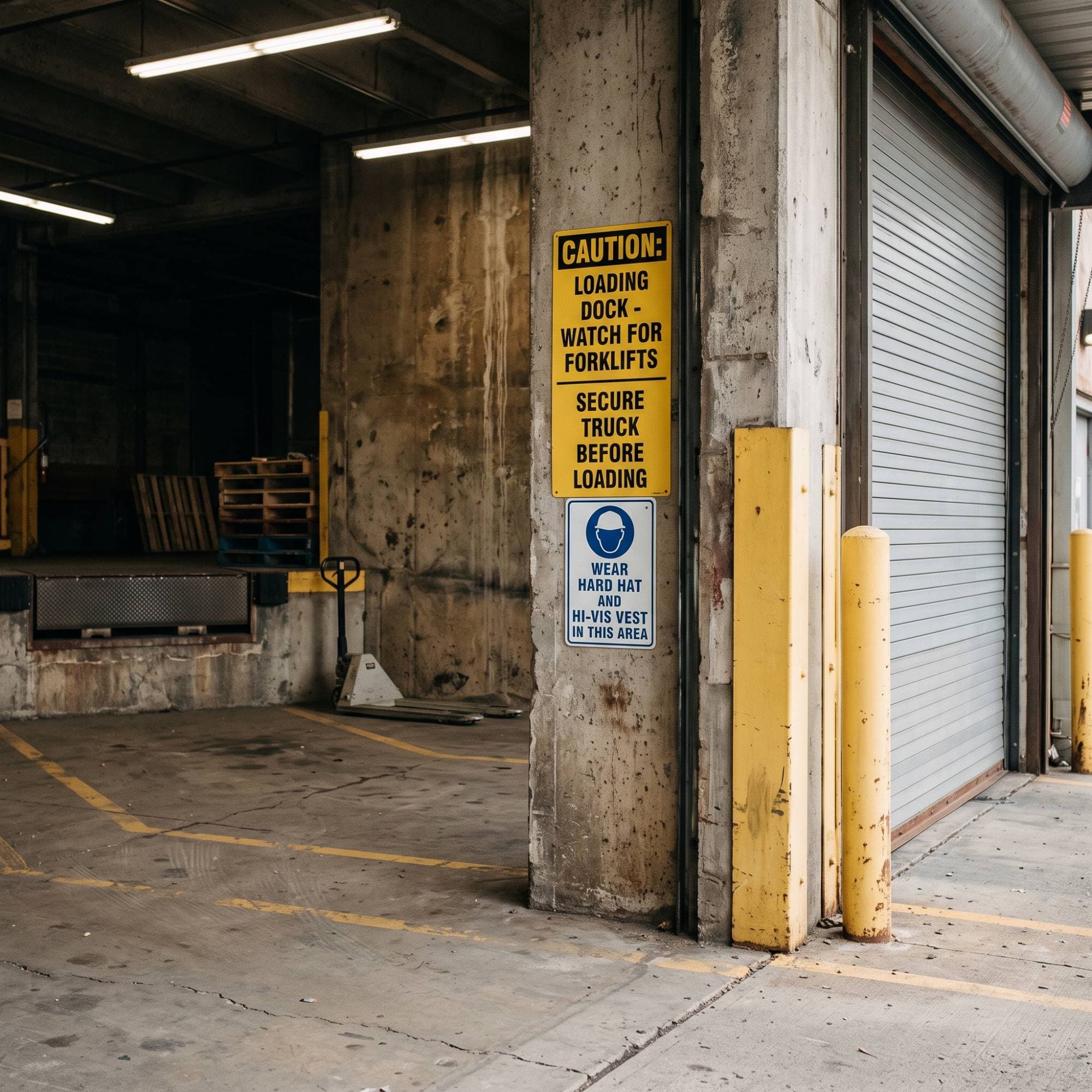
Representative signage capability
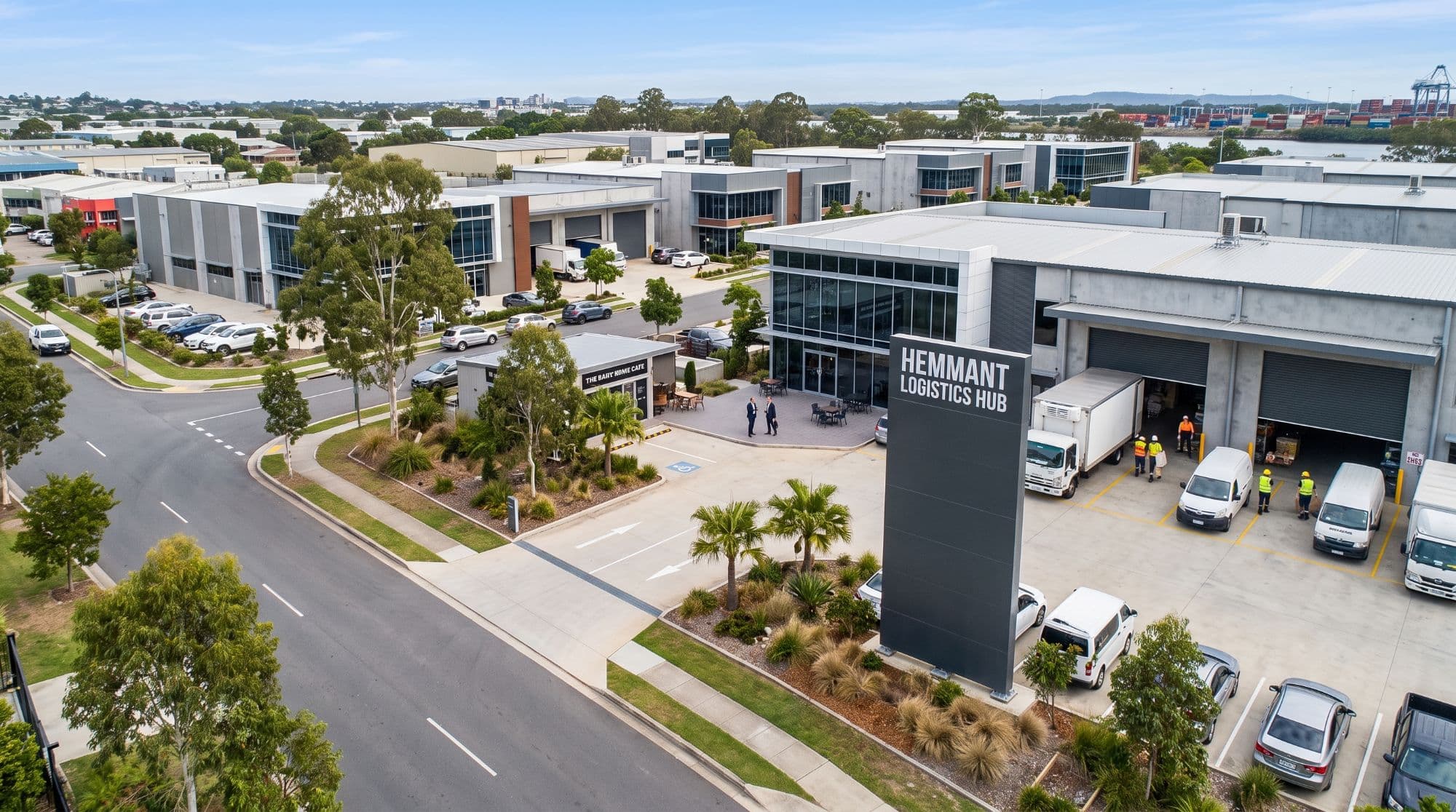
Large-format signage for developments and business parks.
Example products
- Development entrances
- Business parks
- Commercial properties
- Shopping centres
- Corporate campuses
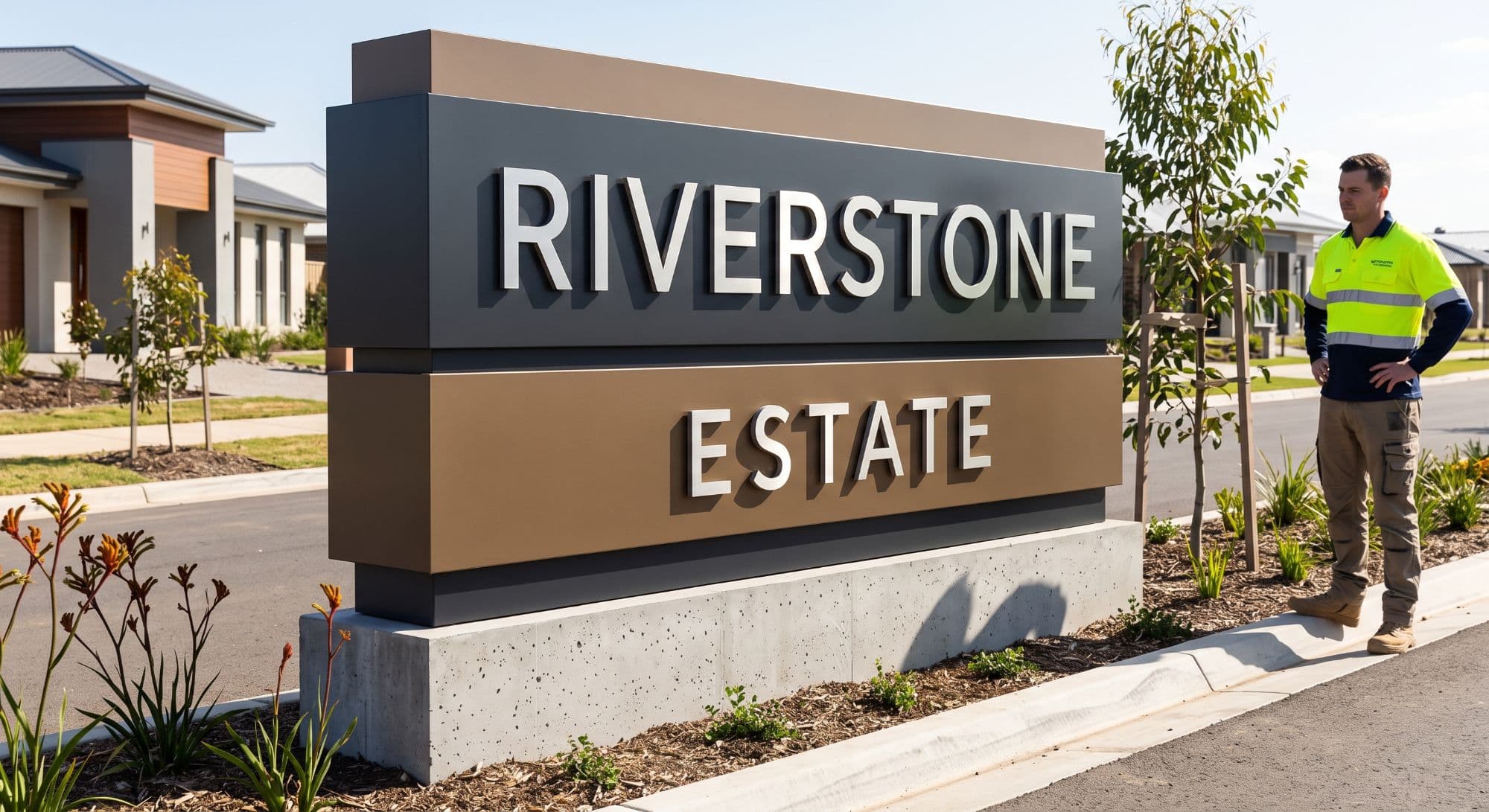
Representative signage capability
Large-scale installations coordinated end to end.
Example products
- Feature architectural signage
- Heritage and public art integration
- Branded environments
- Temporary project signage
- Site hoardings
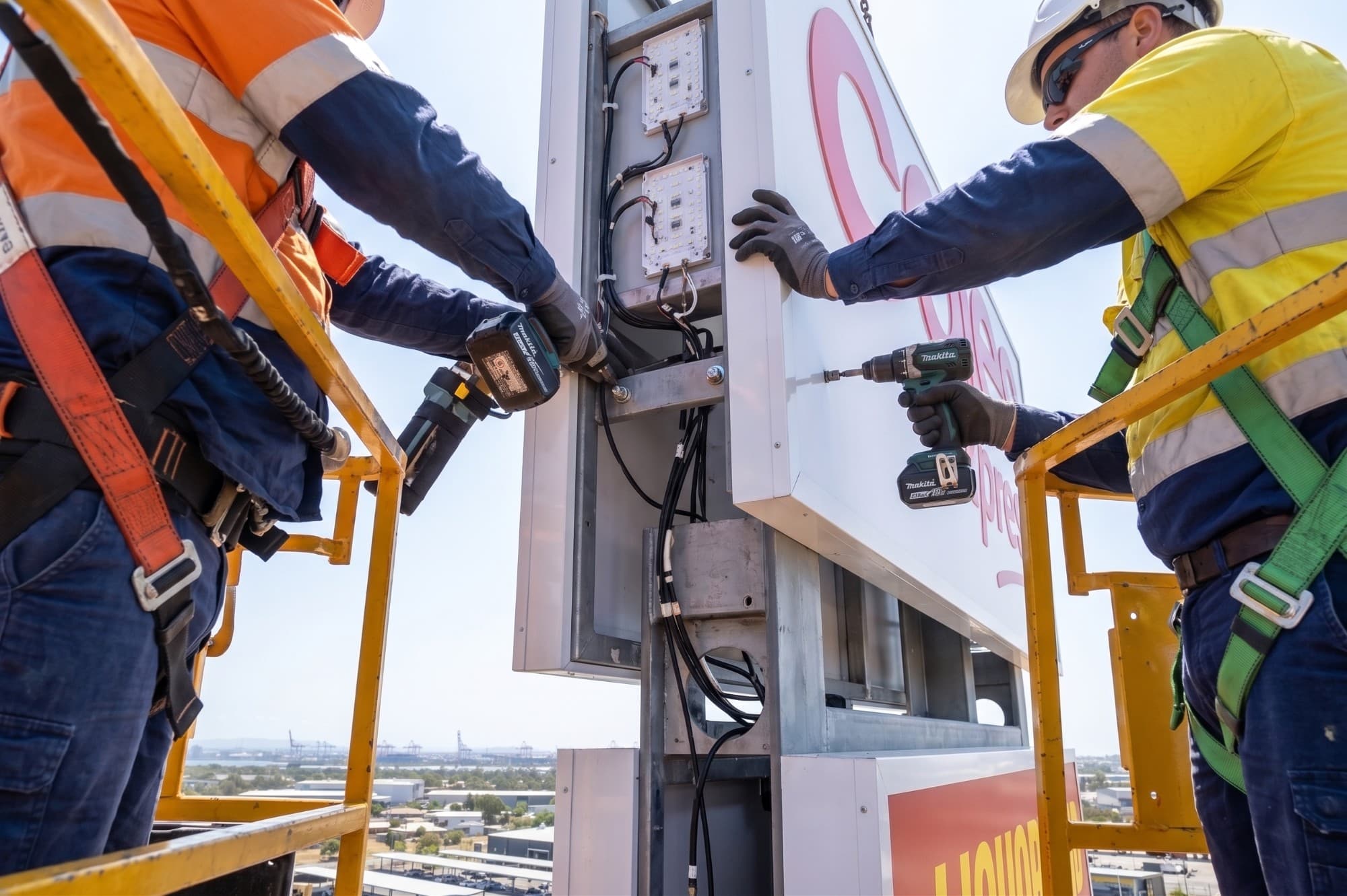
Representative signage capability
Have a signage package to price?
Submit a Project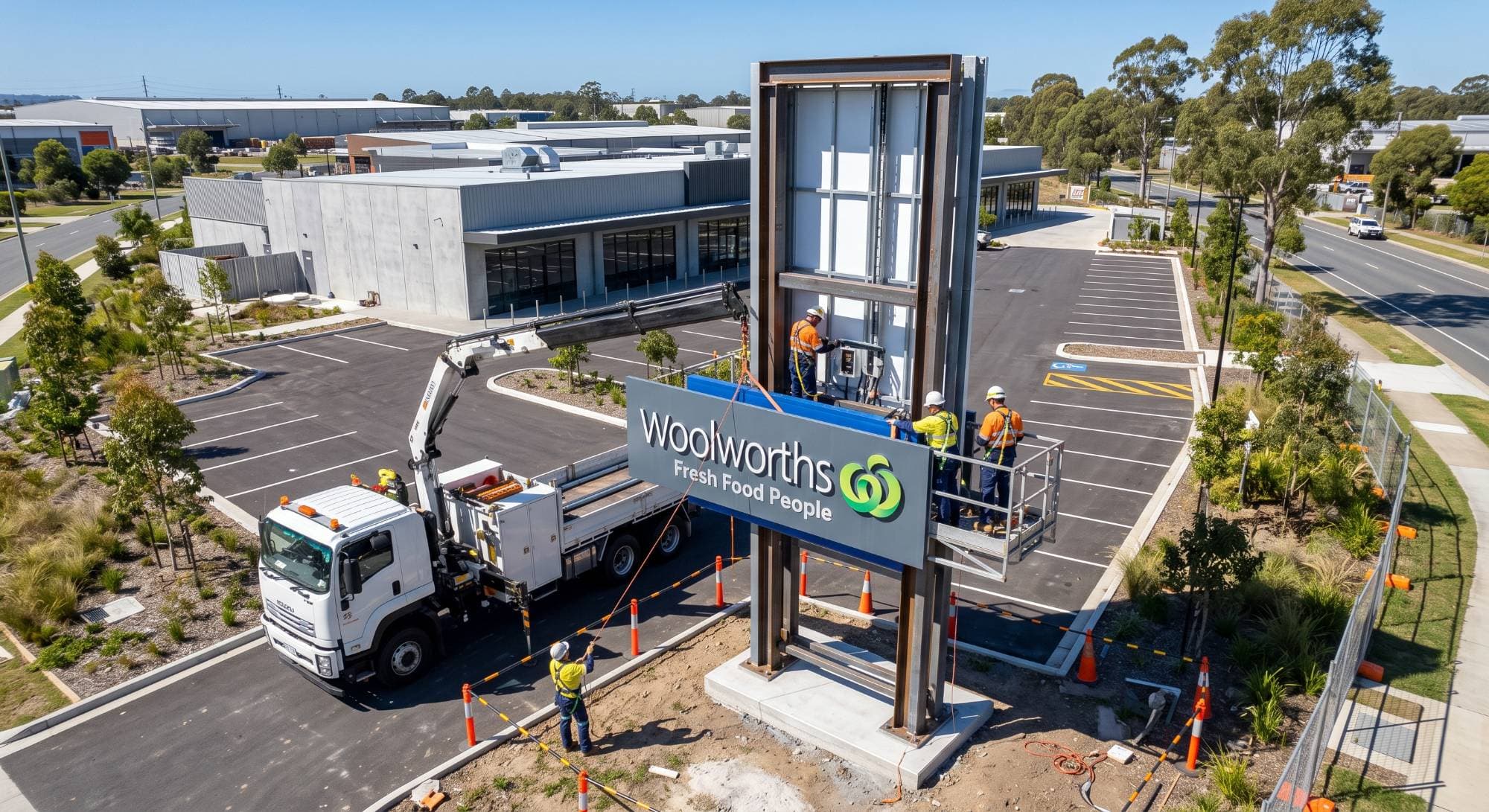
How we work
Project Delivery
Tender & Scope Review
Your drawings and requirements reviewed before pricing.
Estimating
Measuring and costing exactly what's needed.
Procurement
Ordering and supply managed as one package.
Shop Drawings & Approvals
Detailed fabrication drawings prepared and approved.
Programme Coordination
Signage timing aligned with the build schedule.
Installation Coordination
Site and logistics coordinated.
Quality Assurance
Checked at every stage.
Handover & Close-Out
Documentation finalised, package handed over.
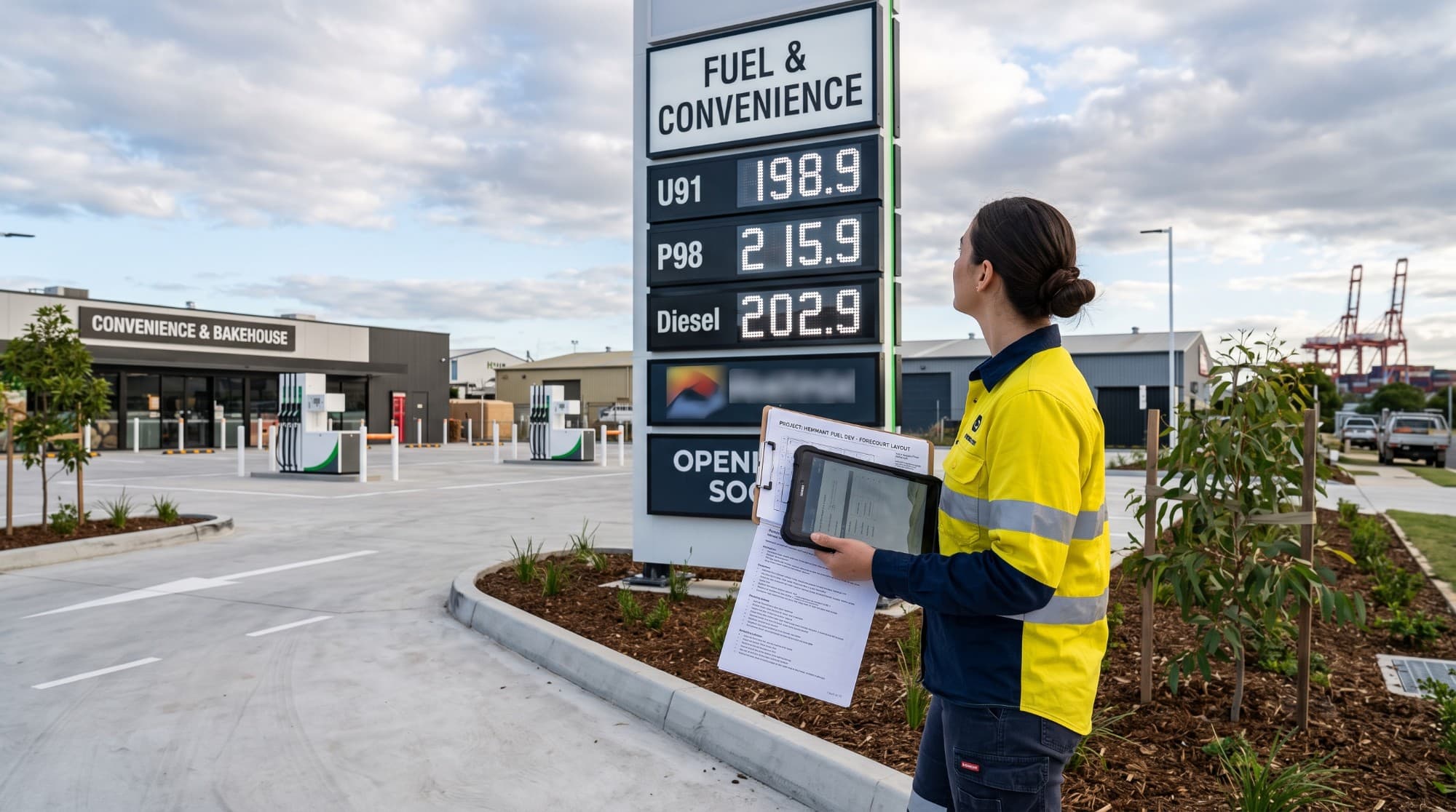
Submit a Project
Tell us about your project and we'll respond with pricing and a programme.
Prefer to discuss the project directly? 0422 838 115 or campbell@qrpackit.com
Frequently Asked Questions
Everything from braille and tactile through to monument and pylon signage — scoped to your project, not sold as individual products. See Signage Solutions above.
Ready to discuss your project?
Send your drawings, specifications or signage schedule for review.